

Tip 1: Quality Over Quantity
Quality is paramount when building your graphic design portfolio. Your goal is to impress, so carefully select your best pieces that highlight your skills and creativity. Showcase a variety of projects to demonstrate your versatility. For instance:
If you've designed logos, include a selection that showcases your ability to create unique and memorable brand identities.
If you've worked on print materials, such as posters, brochures, or packaging, display pieces that demonstrate your mastery of layout and visual hierarchy.
Remember, your portfolio is like a visual resume, so make sure to present your work in a visually appealing and organized manner.
Tip 2: Diversify Your Projects
Diversifying your portfolio showcases your ability to handle various design challenges and appeals to a broader range of clients or employers.
Logo and Branding: Showcase your ability to create memorable logos and comprehensive branding materials. For example, you can display how you developed a brand identity for a local bakery, including the logo, business cards, and packaging design.
Web Design: Include website projects to demonstrate your skills in user interface (UI) and user experience (UX) design. Present a before-and-after transformation of a website you redesigned, emphasizing improvements in usability and aesthetics.
Print Materials: Highlight your expertise in print design by showcasing projects like brochures, posters, flyers, or even book covers. Explain how you used typography, layout, and color to create visually appealing materials.
Illustration: If you're an illustrator, share your original artwork or projects where your illustrations played a central role. Discuss your creative process, from concept to the final artwork.
NOTE: If you are applying for a specific role such as Motion Designer, Keep your portfolio strictly to showcasing your motion graphic works, but show the diversity in what you can do with it!
Tip 3: Highlight Client Work
Client work demonstrates your ability to meet real-world design needs and collaborate with others effectively.
When presenting client projects, provide context and outcomes:
Client Name and Industry: Mention the client's name and the industry they operate in. For instance, "Client: XYZ Coffee Roasters - Food & Beverage."
Project Objectives: Describe the goals and objectives of the project. Were they looking to rebrand, improve their online presence, or launch a new product?
Your Role: Explain your role in the project. Were you the lead designer responsible for the entire project, or did you collaborate with a team?
Results: Share the impact of your work. Did the client see an increase in sales, website traffic, or brand recognition? Concrete metrics can be powerful.
If you designed a website for a client, show the before-and-after transformation. Include any positive outcomes, such as increased web traffic or customer engagement.
Tip 4: Building a Portfolio Without Client Work
Not having client work to display in your portfolio as a beginner is common, but it doesn't mean you can't showcase your potential and skills. You can create your own opportunities through creative briefs and design challenges.
Creative Briefs:
A creative brief is a simulated project that you create with a fictional project outline. It's a way to demonstrate how you would approach a hypothetical client's needs. Includes:
Fictitious Client: Contains a fictional client or business that needs design work. It could be anything from a coffee shop needing a logo to a non-profit organization in need of a brochure.
Objectives: Contains clear objectives for the project. What are the client's goals? What message do they want to convey? What's their target audience?
Design Solutions: Develop design solutions based on the client's objectives. Create sketches, wireframes, and mockups to showcase your design process.
Execution: Produce final designs as if you were delivering them to a real client. This is your chance to demonstrate your skills in typography, layout, colour theory, and more.
Explain Your Process: In your portfolio, explain the creative brief, your design thinking, and how your designs address the client's needs and objectives.
How do you find creative briefs? Join a design challenge!
Design Challenges:
Participating in design challenges is a great way to build your portfolio, and help continue to build your skills. These challenges often come with a predefined problem to solve and a deadline, simulating real-world design scenarios.
Check out this Design Challenge: Creative Spark Design Challenge
This challenge is a 12 week intensive challenge that will give you 12 fully created designs that you can showcase in your portfolio! As well it provides you support from professionals and design colleagues in the same position as you, to get feedback, network and collaborate.
>>> Learn more here
Incorporating creative briefs and design challenges into your portfolio not only demonstrates your skills but also shows your proactiveness and determination as a designer. It's an excellent way to fill your portfolio with compelling content, even if you don't have client work yet. Do
Tip 5: Craft a Narrative with Your Portfolio
Your portfolio should be more than just a collection of images. It should tell a story about your design journey. Start with a captivating piece or project that draws viewers in, and then arrange your work in a logical order. For example:
If you have a project that involved rebranding a local business, start with a "Before" and "After" comparison to show the impact of your work.
If you've designed a website, provide insights into the user experience improvements you made and how they positively influenced user engagement.
By weaving your narrative into the portfolio, you engage potential clients or employers and give them a sense of your design philosophy and process.
Tip 6: Share Your Creative Process
Graphic design is not just about the final product; it's about the journey. Include behind-the-scenes elements to demonstrate your creative process:
For a logo design project, showcase the initial sketches, brainstorming notes, and iterations before arriving at the final design.
In a web design project, explain how you conducted user research, created wireframes, and tested prototypes to ensure a user-friendly experience.
By sharing your process, you not only provide transparency but also highlight your problem-solving skills and attention to detail.
Tip 7: Maintain a Clean and User-Friendly Layout
Your portfolio's layout should reflect your design sensibilities. Keep it clean and organized, making it easy for viewers to navigate and focus on your work. Here's how:
Use consistent typography and colour schemes throughout your portfolio to establish a cohesive visual identity.
Ensure that your online portfolio is responsive, meaning it looks good and functions well on various devices, including mobile phones and tablets.
Consider the user experience, just as you would for any client's project. A well-structured portfolio demonstrates your commitment to professionalism and design excellence.
Tip 5: Seek Feedback and Improve
Before finalizing your portfolio, seek feedback from peers, mentors, or experienced designers. Constructive criticism can be invaluable for refining your presentation and content. Don't hesitate to make improvements and iterate on your portfolio as you gain more experience and receive feedback.
Join my exclusive design community - filled with supportive creative minds! JOIN HERE
Tip 6: Stay Updated and Evolve
The design industry is ever-evolving, so staying current is essential. Here's how:
Continuously explore new design trends and tools. Incorporate them into your work to show that you're adaptable and forward-thinking.
Add new projects to your portfolio to demonstrate your ongoing growth and diversify your skill set.
For instance, if you're a graphic designer who started with print materials, consider adding web design projects to show your expanded skill set.
Remember that your portfolio is a dynamic tool that should evolve along with your skills and body of work. Revisit and update it regularly to reflect your growth as a designer.
8. Choose Your Platform Wisely
The choice between a physical and digital portfolio depends on your target audience and context.
If you're applying for a job, a digital portfolio with an easily shareable link is ideal. However, if you're meeting a potential client in person, a well-designed printed portfolio can make a memorable impression.
Decide whether you want a physical or digital portfolio. Here are some considerations:
Physical Portfolio: If you choose to create a printed portfolio, invest in high-quality printing and presentation materials. Use a professional portfolio binder or book to hold your work. Include clear project descriptions and your contact information.
Digital Portfolio: If you opt for an online portfolio, use platforms like Behance, Dribbble, or Adobe Portfolio, which is free to Adobe Creative Cloud users and easily connects with Behance posts. Ensure your website is responsive and loads quickly. Use a user-friendly layout and navigation for easy exploration of your work.
9. Usability and Accessibility
A user-friendly and accessible portfolio reflects positively on your design skills and inclusivity.
Ensure your online portfolio is responsive, so it looks good on all devices. Test it for accessibility, and provide alt text for images and captions for videos to accommodate users with disabilities.
NEED INSPIRATION??
Check out the sites below to get inspiration for Graphic Designer Portfolios!
Behance
Dribble

Hi, I'm Mars
Graphic Designer
I am passionate about empowering aspiring designers, and dedicated to sharing knowledge and resources, providing tools and challenges that fuel the growth of fellow and aspiring designers!
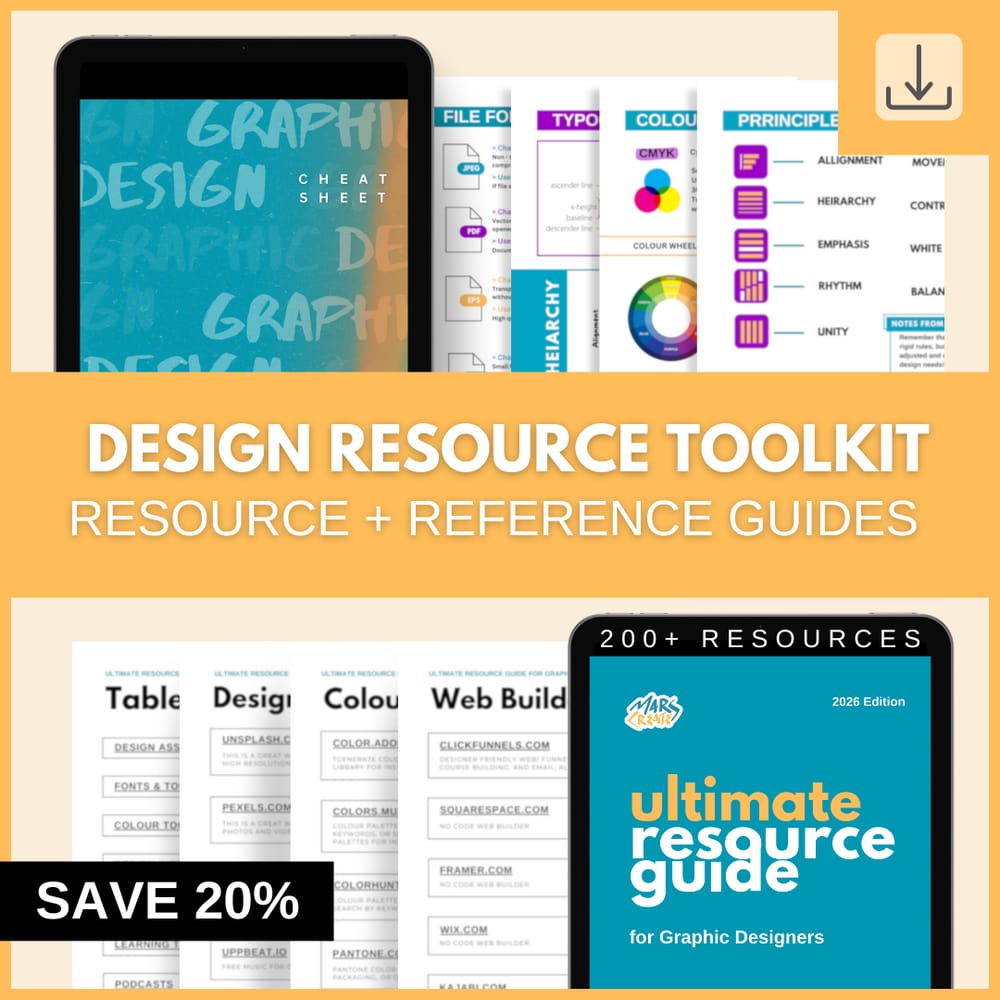
Streamline your design process!
Gain access to 200+ carefully curated design resources and the ultimate reference guide to topics that matter most!
See other posts like this one:
Tuesday, September 05, 2023
Unveiling Design: Top 5 Questions - Answered- from Aspiring Graphic Designers
Saturday, July 22, 2023
The Art of Typography: Unleashing the Power of Fonts, Alignment, Kerning, and More!
© 2023 MARSCREATES - All rights reserved - Privacy Policy